

Xác thực người dùng
GraphQL query cần thực thi có thể yêu cầu người dùng đã đăng nhập, ví dụ để thực thi một mutation tạo bài viết.
Có một số cách để xác thực người dùng.
Sử dụng cookie từ phiên đã xác thực trong WordPress
Vì WordPress sử dụng xác thực người dùng dựa trên cookie, mỗi khi chúng ta đã đăng nhập vào trang WordPress, chúng ta chỉ cần mở client GraphiQL và thực thi các GraphQL queries từ đó.
Vì các cookie gửi đến yêu cầu GraphQL giống với các cookie từ trang WordPress, người dùng sẽ đã được đăng nhập sẵn.
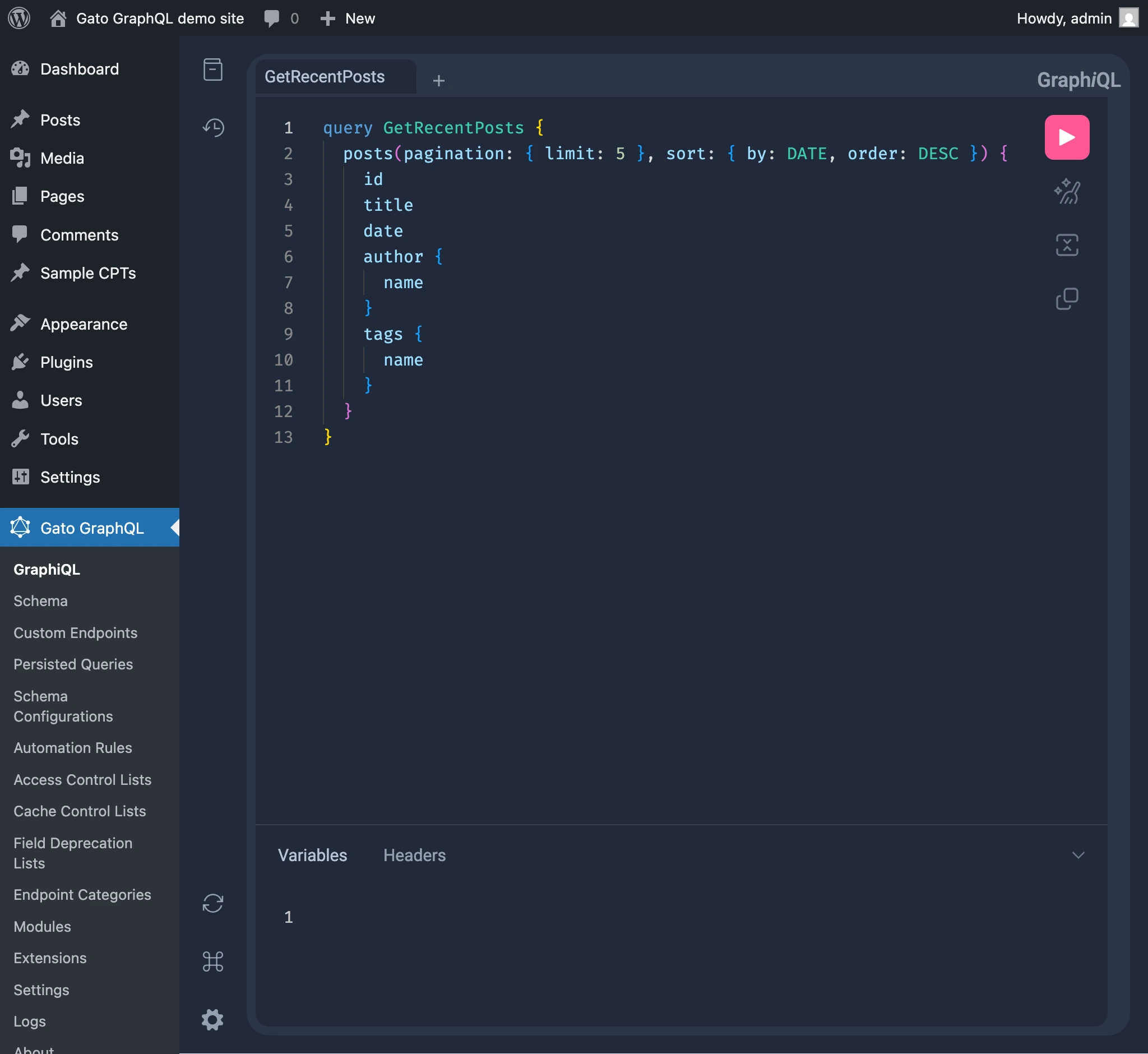
Mutation loginUser
Trong cùng một GraphQL query để thực thi mutation cần thiết, chúng ta có thể sử dụng mutation loginUser để xác thực người dùng.
Lưu ý rằng thứ tự rất quan trọng: loginUser phải được thêm trước mutation kia (trong trường hợp này là createPost):
mutation {
loginUser(
by: {
credentials: {
usernameOrEmail: "myusername",
password: "mypassword"
}
}
) {
status
errors {
__typename
...on ErrorPayload {
message
}
...on GenericErrorPayload {
code
}
}
userID
}
createPost(input: {
title: "Hello world!"
contentAs: {
html: "<p>How are you?</p>"
}
}) {
status
errors {
__typename
...on ErrorPayload {
message
}
}
post {
id
title
content
}
}
}Application Passwords
Chúng ta có thể sử dụng Application Passwords của WordPress để gửi một yêu cầu đã xác thực đến endpoint GraphQL.
Ví dụ, chúng ta có thể truyền application password khi thực thi lệnh curl đối với máy chủ GraphQL, thay thế các giá trị USERNAME và PASSWORD:
curl -i \
--user "USERNAME:PASSWORD" \
-X POST \
-H "Content-Type: application/json" \
-d '{"query": "{ me { name } }"}' \
https://mysite.com/graphqlChúng ta có thể sử dụng Gato GraphQL để thực thi các yêu cầu HTTP đã xác thực đối với một trang WordPress khác.
Query dưới đây nhận tên người dùng và application password (cùng với endpoint cần kết nối), tạo header xác thực cần thiết, và thực thi một query đối với máy chủ GraphQL bên ngoài:
query GetDataFromExternalWPSite(
$username: String!
$appPassword: String!
$endpoint: URL!
) {
loginCredentials: _sprintf(
string: "%s:%s",
values: [$username, $appPassword]
)
@remove
base64EncodedLoginCredentials: _strBase64Encode(
string: $__loginCredentials
)
@remove
loginCredentialsHeaderValue: _sprintf(
string: "Basic %s",
values: [$__base64EncodedLoginCredentials]
)
@remove
externalHTTPRequestWithUserPassword: _sendGraphQLHTTPRequest(input:{
endpoint: $endpoint,
query: """
{
me {
name
}
}
""",
options: {
headers: [
{
name: "Authorization",
value: $__loginCredentialsHeaderValue
}
]
}
})
}